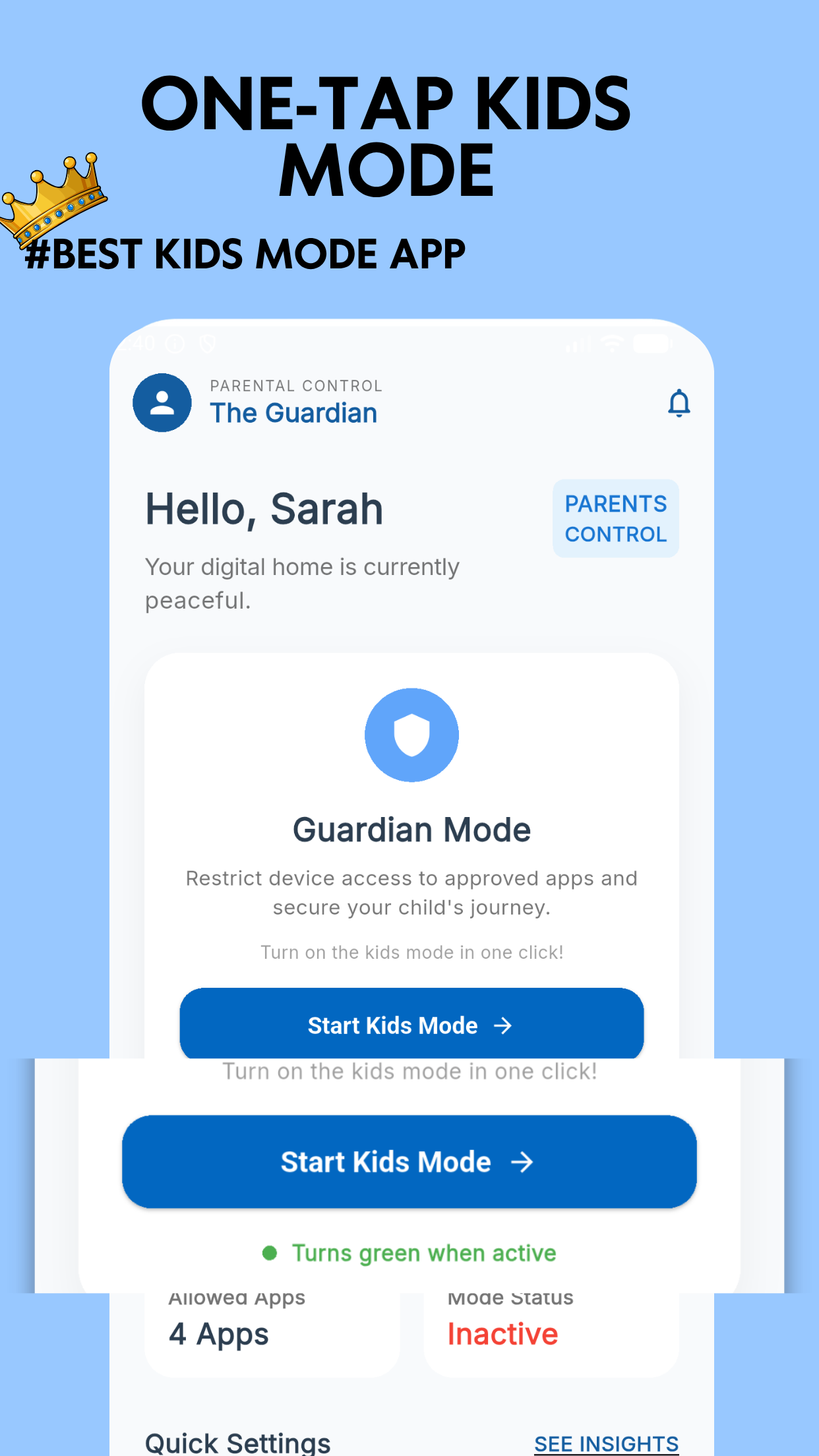
Kids Mode - Kids Lock App is a simple and powerful Kids Mode App designed for parents who want to create a safe mobile experience for their children. With smart Kids Lock features and easy Parental Controls, you can allow only selected apps and block distractions in one tap.
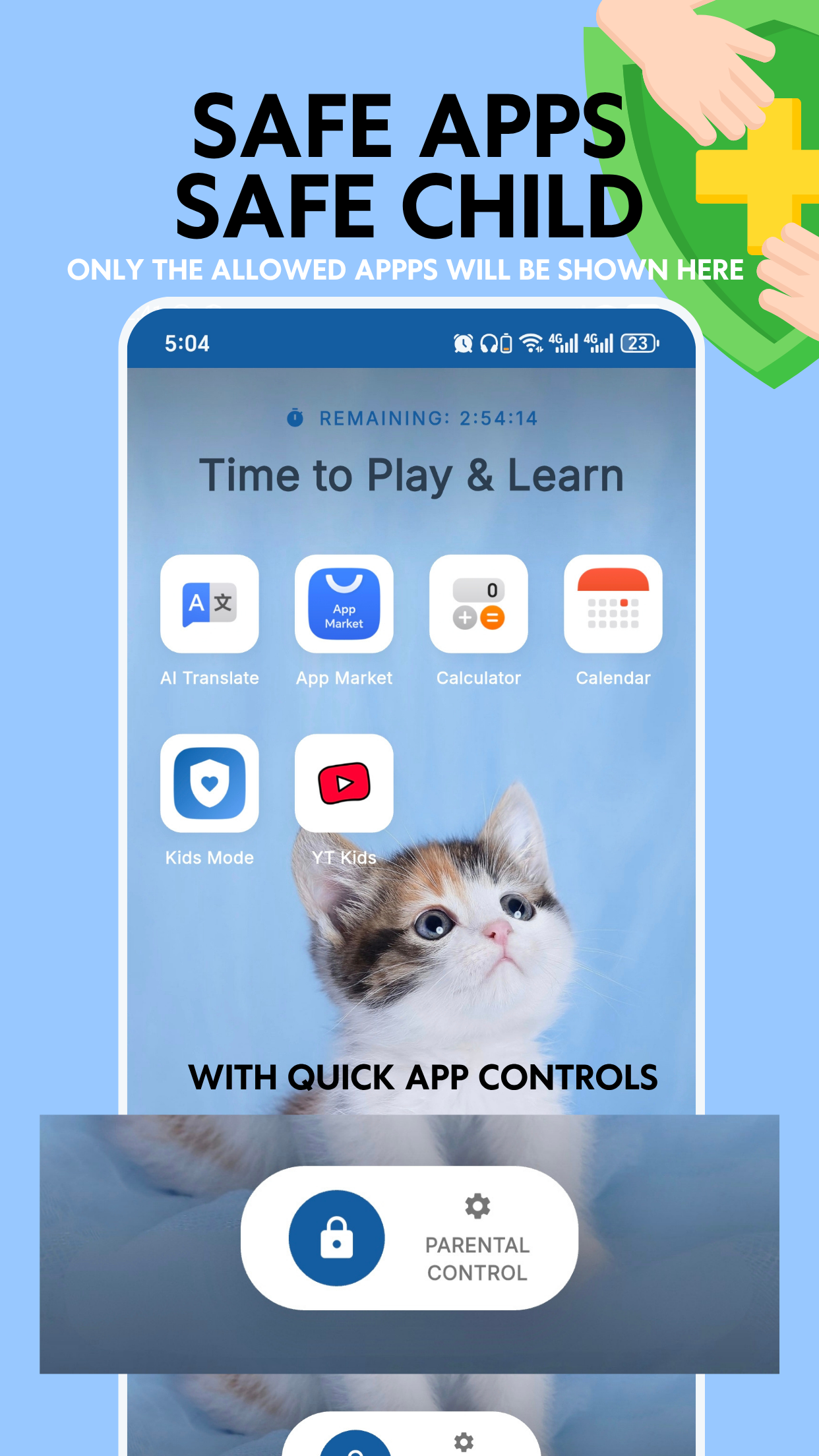
Transform your Android device into a friendly, protected environment for toddlers and kids. The custom home screen displays only parent-approved applications in a simple grid.
By locking down system notifications, status bars, and navigation keys, your child stays entirely within their safe playground. They cannot explore system files, open standard settings, or make accidental calls.
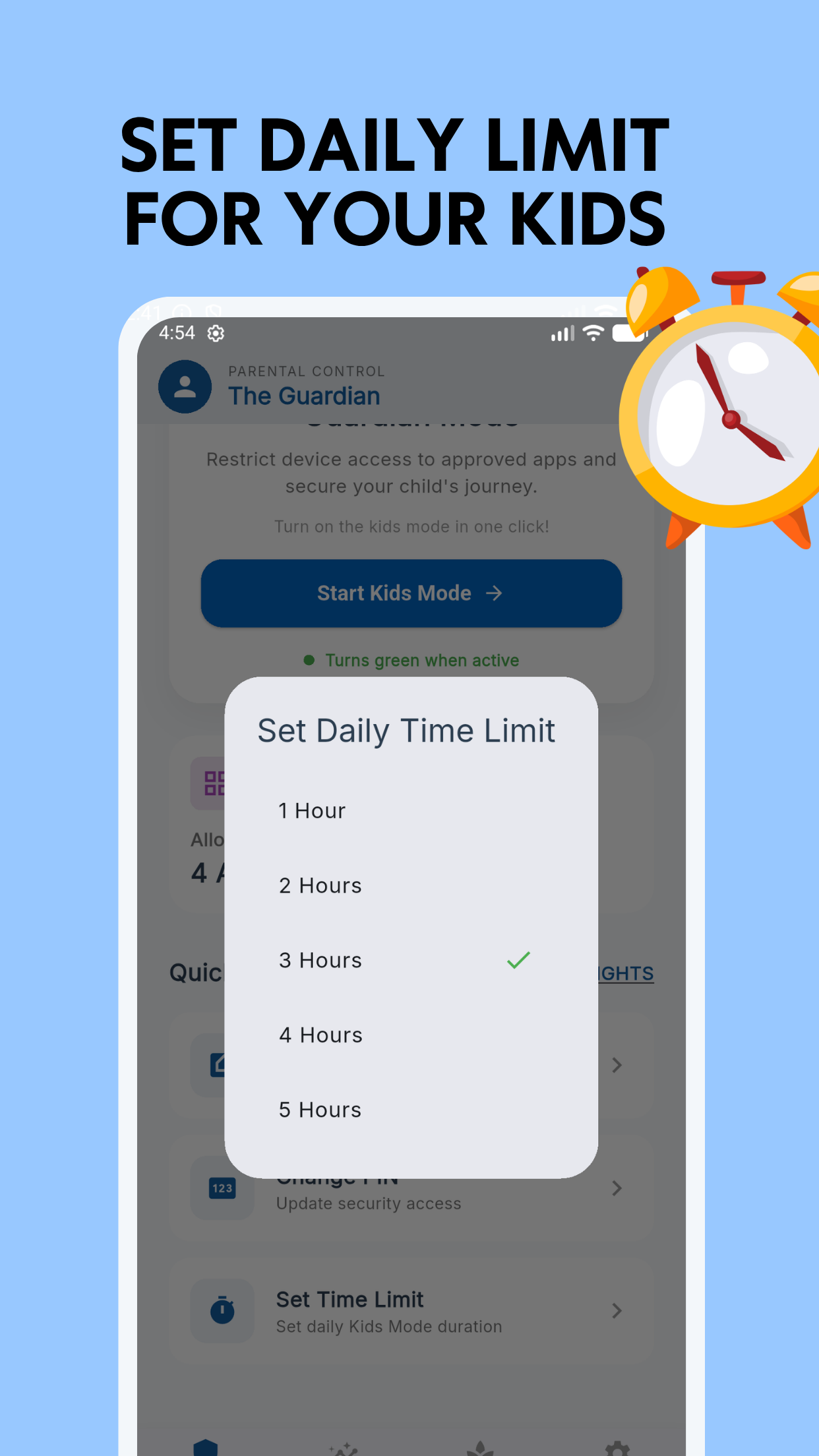
Healthy screen habits start here. Kids Mode enables parents to set specific time allocations for device usage. Set active timers, sleep times, or duration caps to prevent device fatigue.
When time runs out, the device automatically displays a warm, locking screen notifying your child that play time is over. This builds positive routines without constant verbal warnings or parental tension.
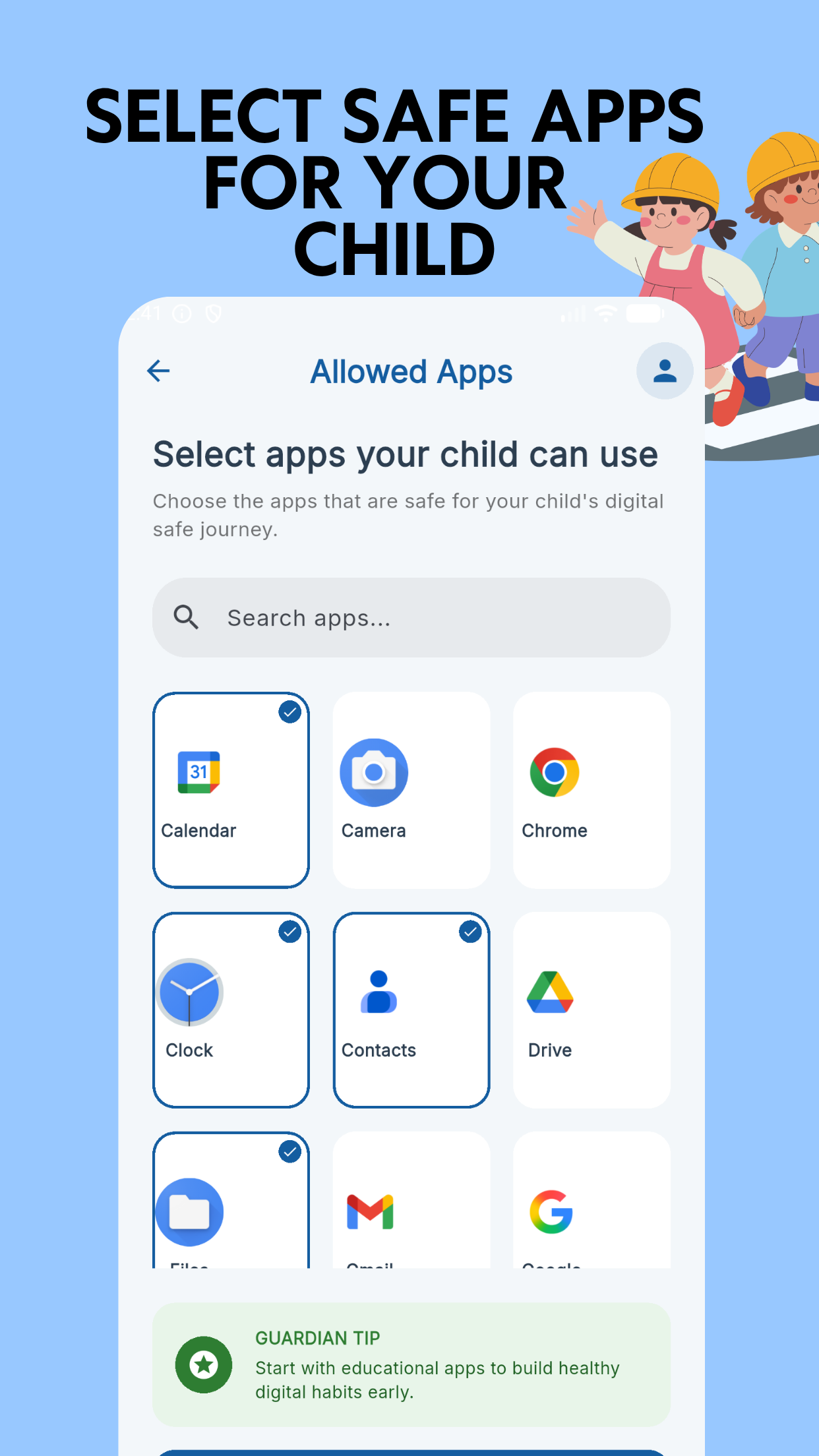
Filter the contents of your device easily. Kids Mode lets you inspect and select which applications are safe to run within the kids place.
All standard utilities, social media platforms, web browsers, and app store transactions are blocked by default. You can rest easy knowing they won't click ad banners, make in-app purchases, or trigger downloads.
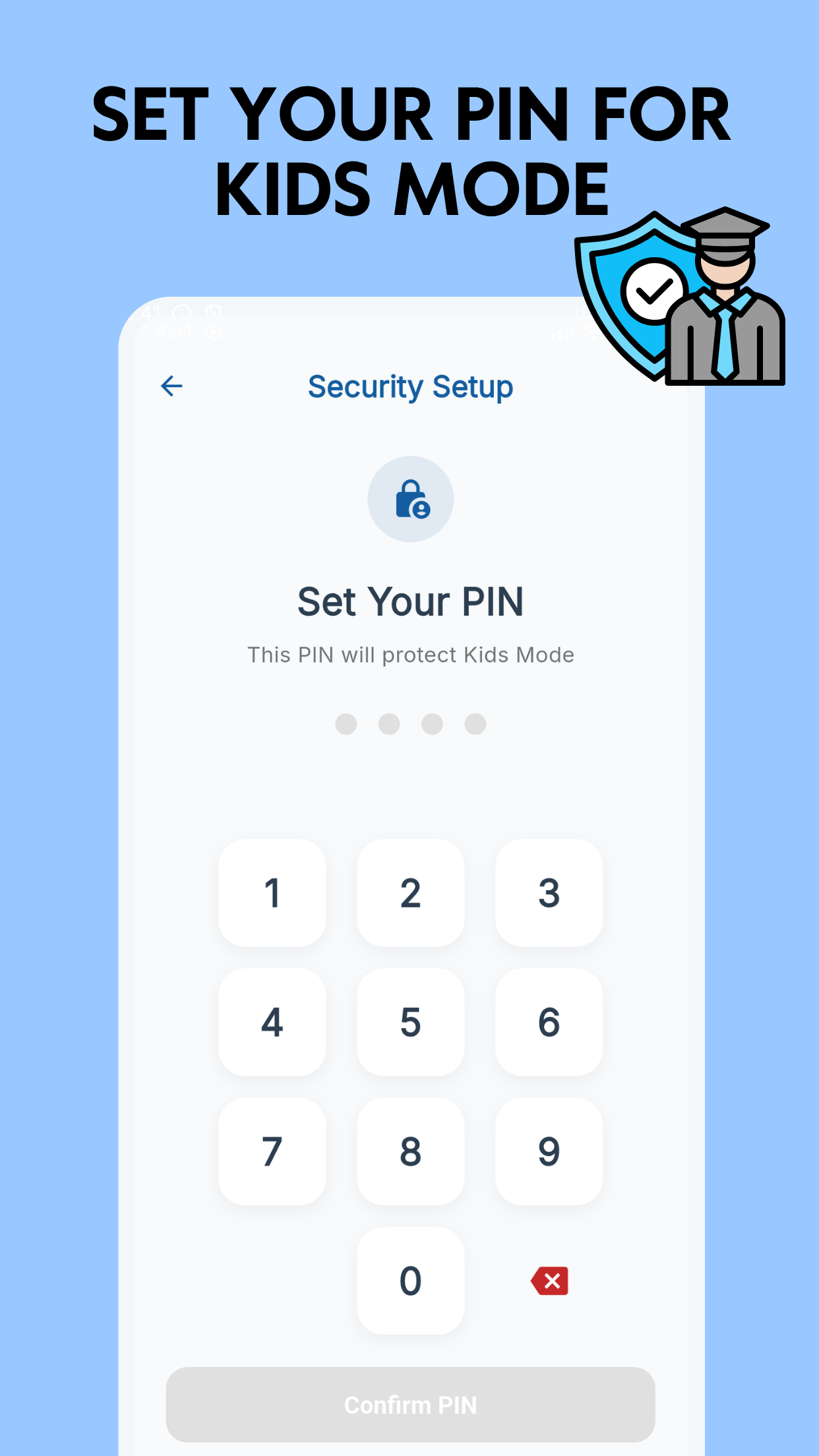
Kids are clever, but Kids Mode keeps boundaries firm. Exiting the kidsmode or modifying settings requires a secure parental PIN code.
By leveraging advanced device controls, Kids Mode protects your system launcher from bypasses. Children can't swipe away the screen lock, force-stop the app, or disable restrictions via system settings.
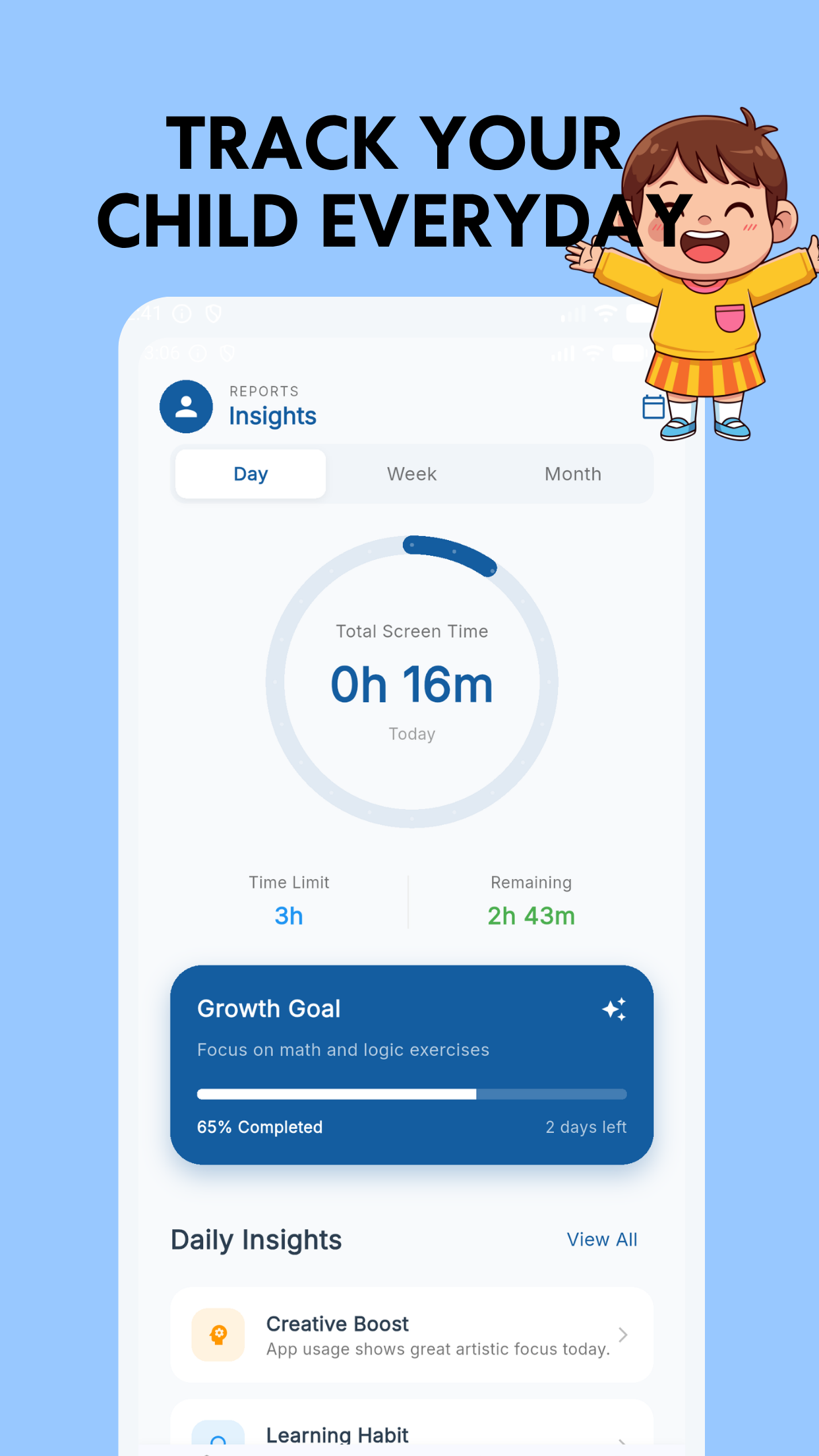
Keep track of which applications capture your child's interest. Kids Mode generates clean, visual reports detailing time spent on individual apps.
Whether it's gaming, drawing, or educational tools, you can easily review weekly trends, check streaks, and tweak allowed durations to keep their digital consumption balanced.
Download Kids Mode - Kids Lock App now and build a secure, balanced digital routine that helps your child explore technology safely.
Everything you need to know about Kids Mode - Kids Lock App
Kids Mode is a parental control application designed to create a safe digital space for kids on Android devices. It replaces the device launcher with a custom home screen showing only parent-approved apps, blocks system settings/notifications, and allows screen time restrictions.
Exiting the Kids Mode or accessing settings requires entering a secure parental PIN code. Additionally, by activating Device Administrator rights, the app prevents children from force-stopping or uninstalling it to bypass limitations.
Yes! Parents can set custom session durations and daily usage limits. When the limit is reached, Kids Mode displays a locking screen, requiring a parental passcode to extend usage or exit.
No. By default, access to Google Play Store, browser links, ad networks, and standard system settings is blocked. Kids cannot download apps, click ad banners, or trigger unauthorized transactions.
Absolutely. We take child privacy very seriously. Kids Mode operates locally on your device to restrict app access and enforce screen limits. No personal or usage information is collected or uploaded to external servers.
Yes, Kids Mode offers a robust free version containing core parental locks, app blocking, and custom launcher options. Advanced configurations and detailed usage statistics can be unlocked through an affordable upgrade.